
Description
MAGDY CAD to PDF is a professional productivity software developed to simplify and automate the process of converting and printing AutoCAD drawing layouts to PDF.
The software is designed for engineers and CAD professionals who work with projects containing multiple drawings and layouts, providing an efficient workflow for selecting, organizing, and exporting the required layouts to professional PDF files.
Key Features:
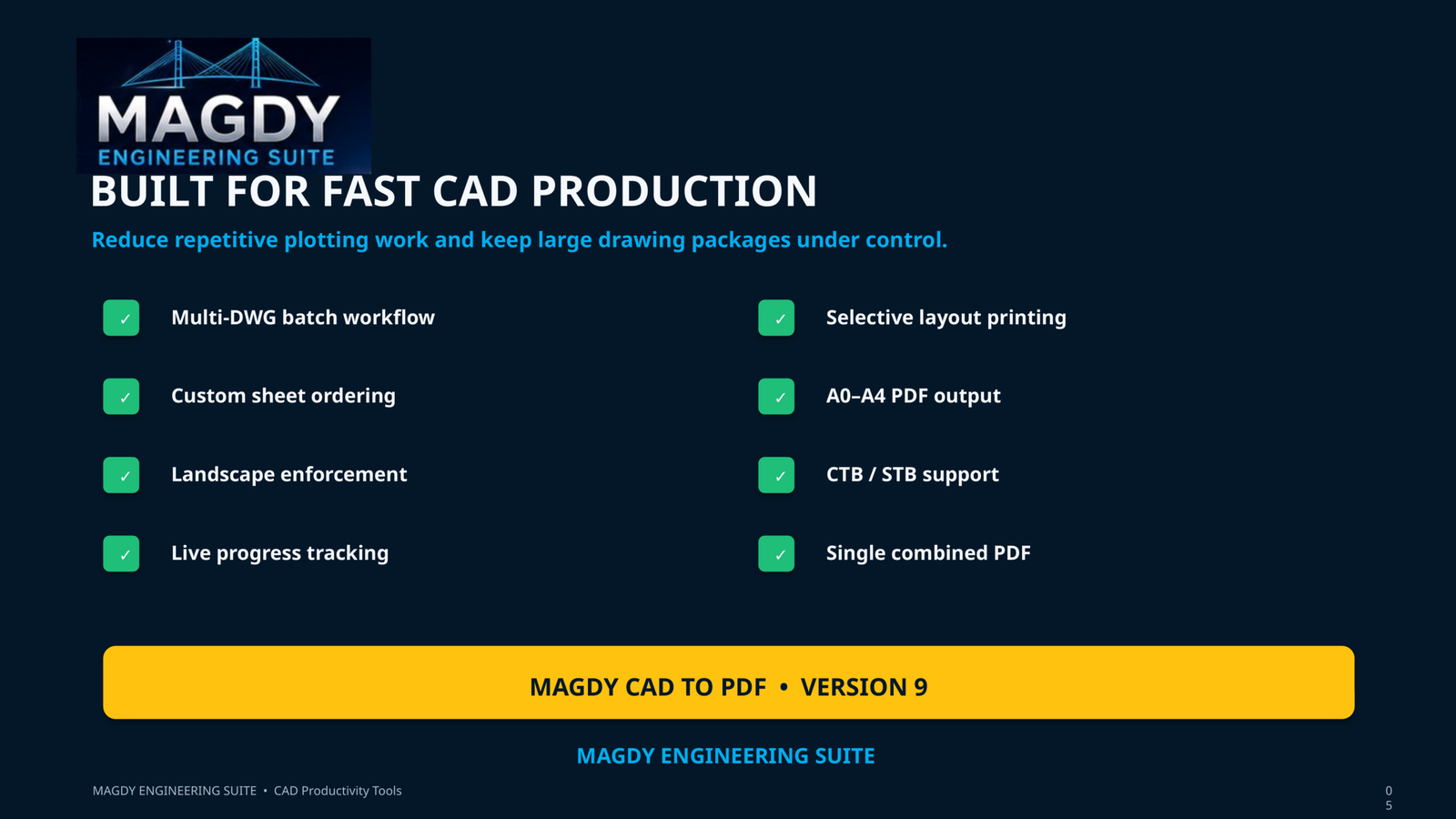
• Export AutoCAD layouts directly to PDF
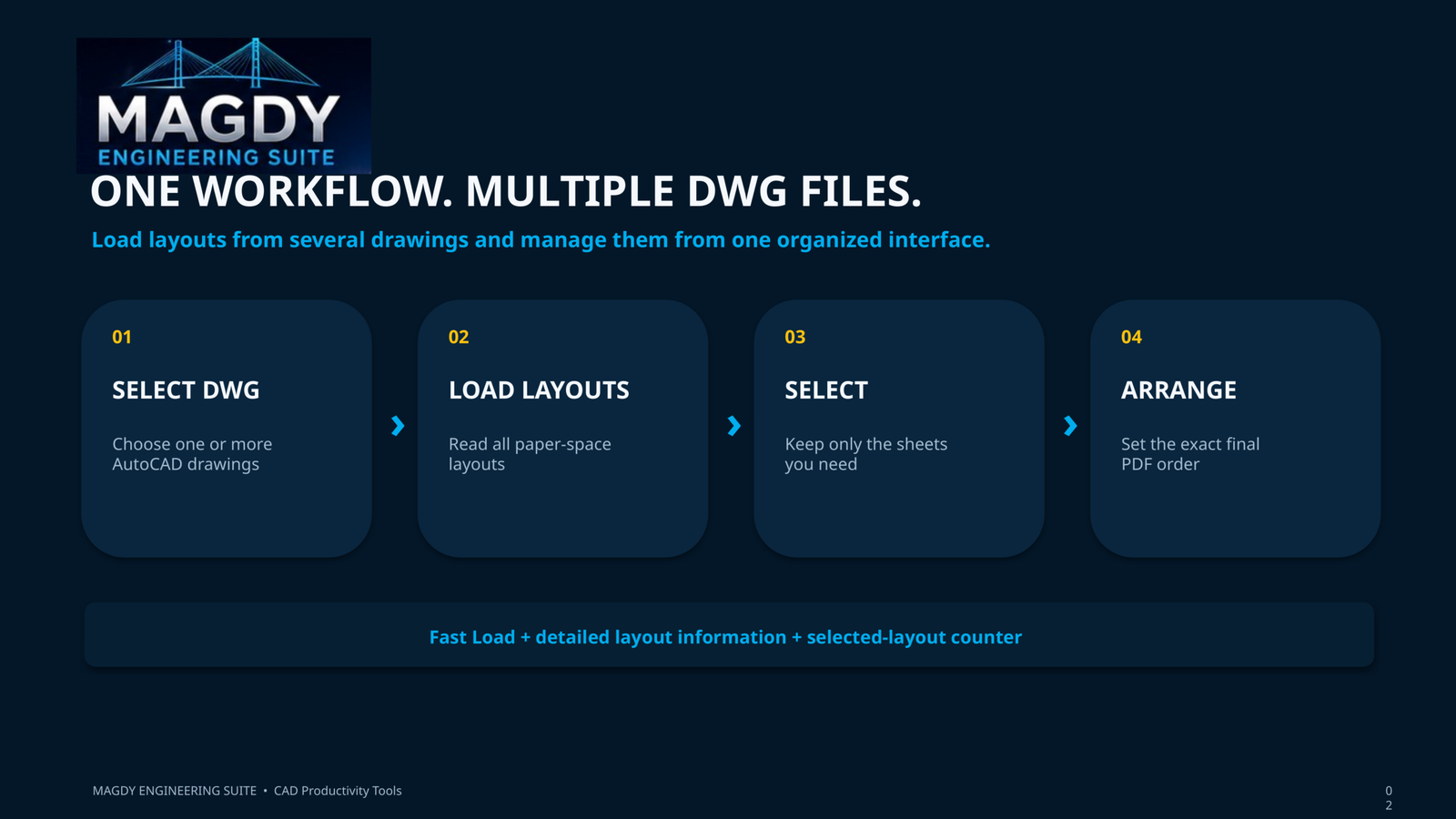
• Support for multiple DWG files
• Select specific layouts for printing
• Batch processing of multiple layouts
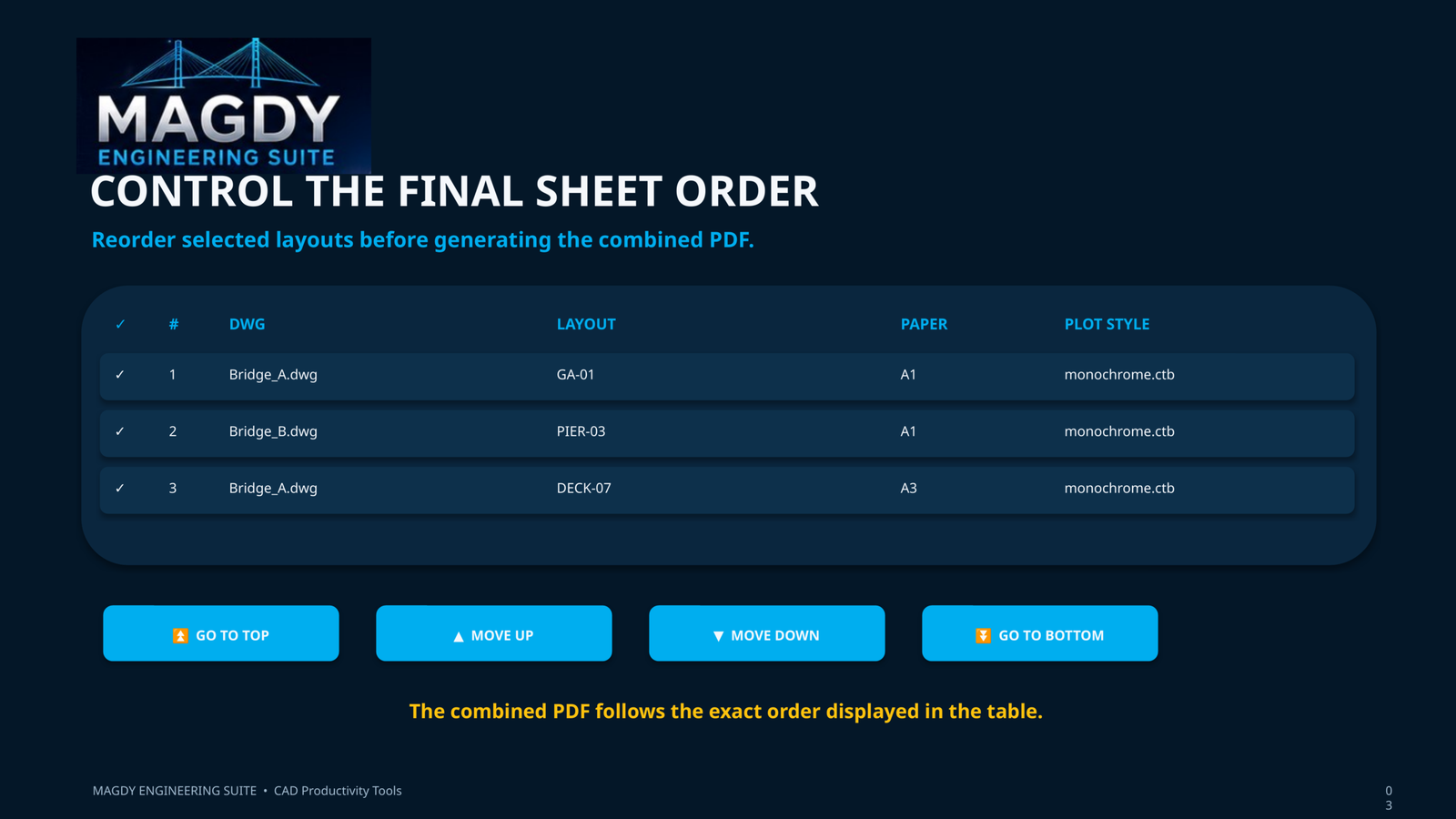
• Reorder selected layouts before PDF generation
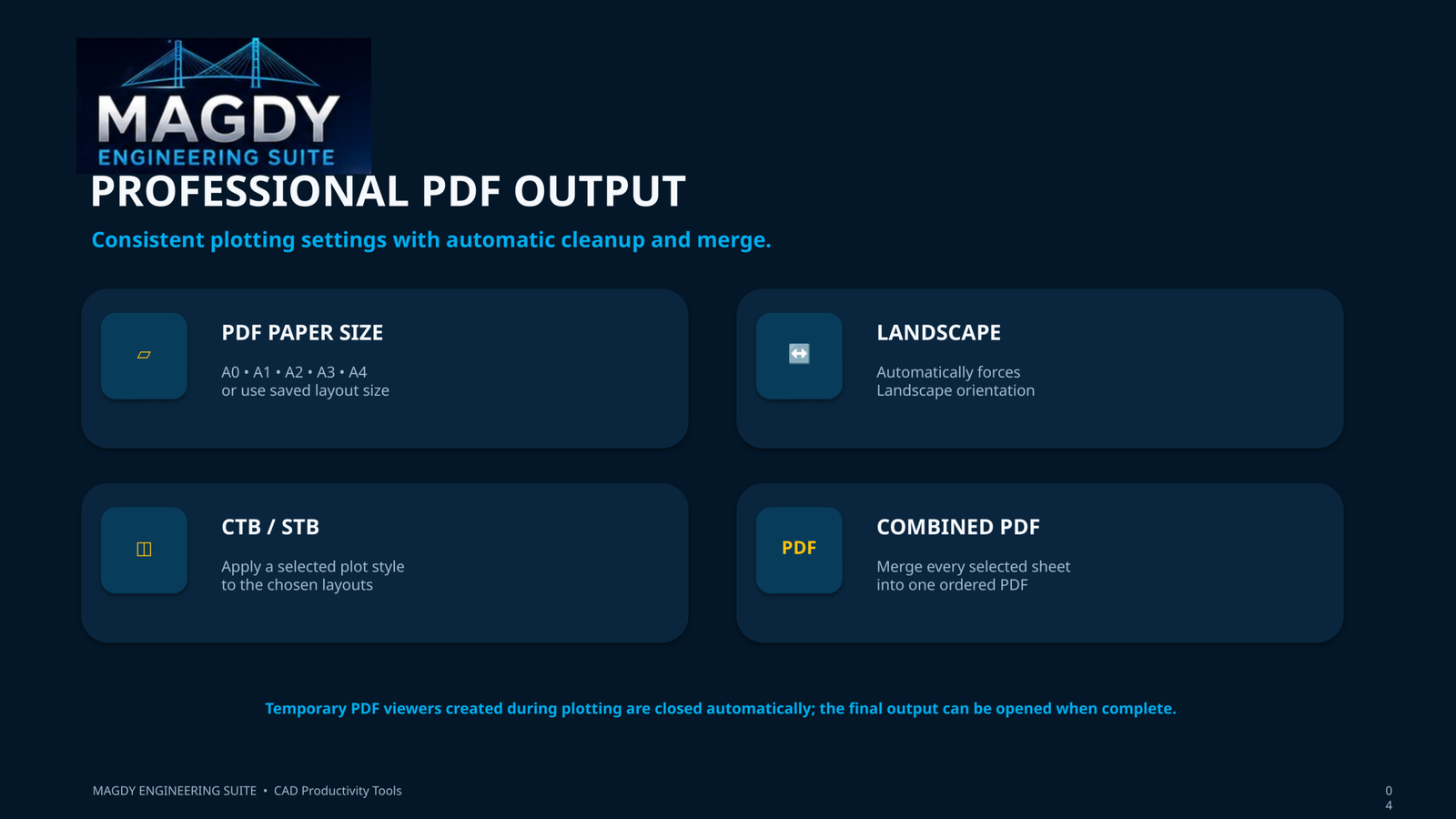
• Combine selected layouts into a single PDF
• Option to generate separate PDF files
• Support for standard paper sizes
• Landscape-oriented drawing output
• Organized PDF generation workflow
• Progress tracking during processing
• Reduces repetitive AutoCAD printing operations
• Saves significant time on projects with large numbers of drawings
• Easy-to-use graphical interface
• Designed for engineers and CAD professionalsTypical Applications:
• Bridge shop drawings
• Structural drawings
• Construction drawings
• AutoCAD drawing packages
• Tender and submission packages
• Batch PDF generation
• Multi-layout DWG files
• Engineering drawing documentationSoftware Benefits:
MAGDY CAD to PDF significantly reduces the time required to prepare large drawing packages. Instead of manually opening and printing individual AutoCAD layouts, engineers can select and organize the required drawings and generate the required PDF output through one efficient workflow.
Developed by MAGDY Engineering Software
Professional Engineering Software & Tools for Bridge and Structural Engineers.



Reviews
There are no reviews yet.